
Know What's in Your Boxes Without Opening Them.
Touch your phone to a Peek tag and photos of what's inside pop up. No app. No scanning. Just tap to Peek.
30 Tags for $24.99Free Shipping
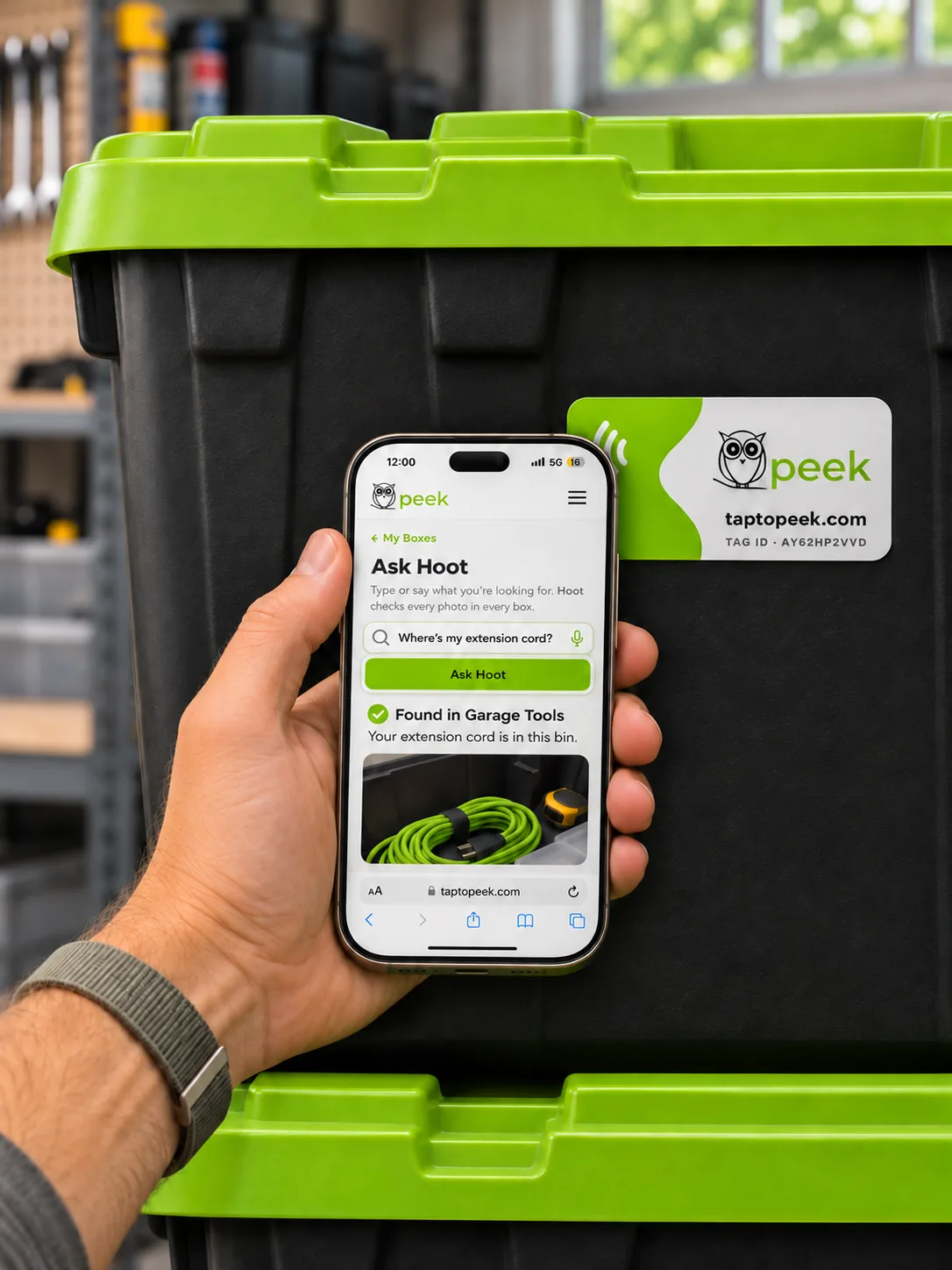
No App Needed
Opens right in your browser.
3× Faster Than a QR Code
No aiming. No focusing.

Just Ask Hoot
Our built-in AI knows which box it's in.
No Passwords
Sign in with a quick email code.
Three Steps. One Time.
Set a box up once. After that, it's just a tap.
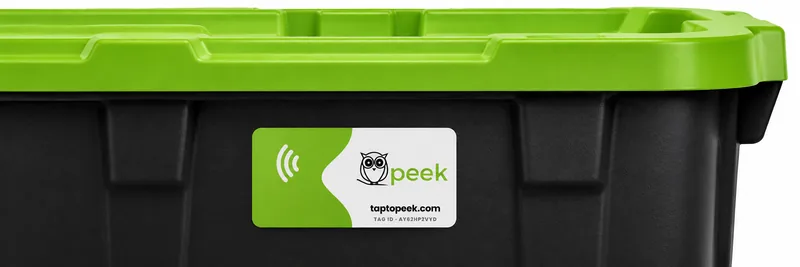
Stick
Press a Peek tag onto a box, bin, or tote.
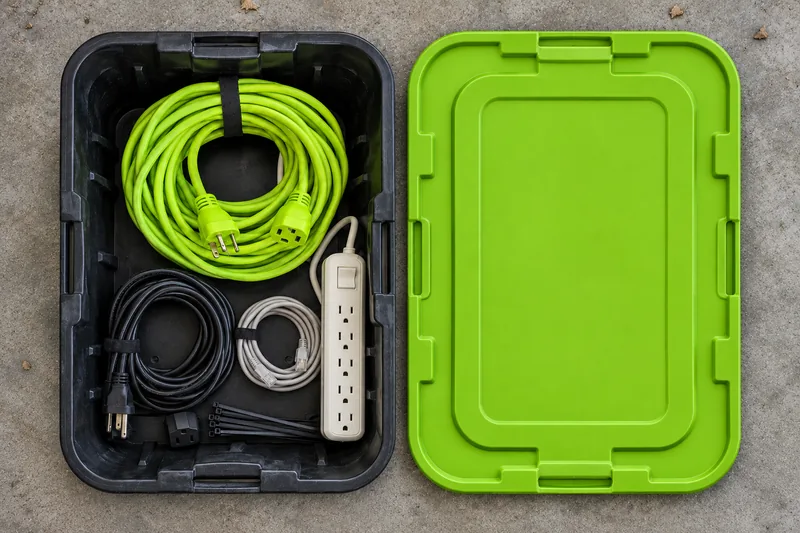
Snap
Tap the tag and take a few photos. Hoot names the box and lists what's inside.
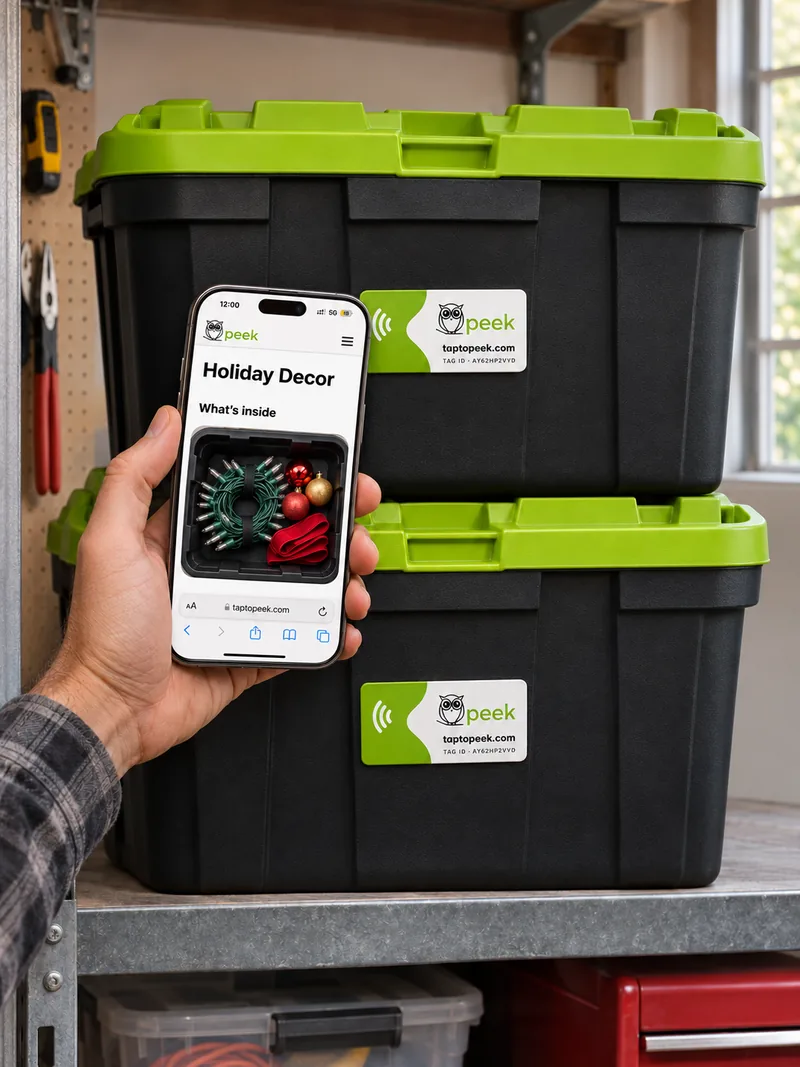
Peek
Months later, tap the tag. The photos open and the box stays shut.
Faster Than a QR Code.
Same box, same phone. Here's how long it takes to see what's inside.
- 1Open the camera
- 2Point it at the code
- 3Hold still while it focuses
- 4Tap the link
- ✓ Photos open
🏆 Winner!- 1Touch your phone to the tag
- 2Tap the link
- ✓ Photos open
About 3× faster. No aiming, no waiting for focus.
Typical times on a modern phone.
Looking for Something? Just Ask Hoot.
Hoot looks through your photos and keeps a list of what's in every box. Type "extension cord" and Hoot tells you exactly where they are.
- Search every box at once. Find the extension cord without opening a single lid.
- Numbered boxes. Every box gets a number, so "Box #3" is easy to spot on the shelf.
- Names the box for you. Snap your photos and Hoot does the rest.
What's in Your Boxes?
The boxes people tag first.
- HolidaysChristmas DecorationsOrnaments, lights, the good tree skirt
- KidsClothes, Size 4THand-me-downs waiting for a growth spurt
- GarageShelf 2, Left BinTools, cords, and that one adapter
- Storage UnitBack Row, Top BoxSee it without unstacking six boxes
- MovingKitchen 3 of 7Find the coffee maker on day one
- OutdoorsCamping GearLantern, stove, the tent stakes
Get Your Tags.

Peek Tags
$24.9930 Tags
- Tags with a built-in smart chip
- Hoot, your AI helper, lists what's inside every box
- Unlimited updates to every box's photos
- Nothing to download or update
- No passwords to remember
- Works on iPhone and Android
Free shipping on every order. Secure checkout by Stripe.
Do More With Peek Plus.
Only $12 for Your First Year.
That's just $1 a month, paid once. No monthly charge.
Voice Search
Tap the mic and ask Hoot out loud.
Printable Inventory
A full list of what's in every box.
Family Sharing
Let a spouse or helper add and edit photos.
Insurance Report
Your inventory with photos and estimated values, ready for a claim.
Locations
Group boxes by garage, attic, or storage unit, down to the shelf.
Moving Mode
Mark each box packed, loaded, delivered, or unpacked.
Reminders
Pull out the holiday bins on Nov 15.
Check-Out Log
Note when something leaves a box so the list stays right.
Tag Perks
Free replacements for damaged tags and a discount on refills.
Questions.
Do I need to download an app?
Never. Peek opens right in your phone's web browser. Tap the tag and the photos appear. Setting up a box and adding photos happens in the browser too.
Which phones work with Peek?
iPhone XS and newer, plus most Android phones. No tap? Go to taptopeek.com and enter the tag ID printed on your tag.
What is Hoot?
Hoot is your AI helper. Hoot looks through the photos you take and lists what's in each box. Then you can search every box at once.
What is Peek Plus?
Peek Plus adds voice search, a printable inventory, family sharing, an insurance report, locations, moving mode, reminders, a check-out log, and tag perks. It's $12 for your first year. That's just $1 a month, paid once, with no monthly charge.
Do I need to update anything?
No. There's no app, so there's nothing to update, ever. Peek is always current the moment you tap.
Can someone helping me find things look too?
Yes. If a family member or your movers are helping, they can tap and see what's inside right away, no app needed. Only you can add, change, or delete photos.
Do I need a password?
No. Peek never asks you to make one. When you want to add or change photos, we email you a one-time sign-in code. Nothing to remember, nothing to reset.
Can I change what's inside later?
Anytime. Tap the tag, snap new photos, remove old ones. The tag stays the same; the photos stay current.
Can I move a tag to a different box?
Yes. Remove it from the old box in your account and the next tap sets it up fresh.
How fast is it?
As fast as touching your phone to the tag. No unlocking an app, no aiming a camera, no waiting for it to focus.